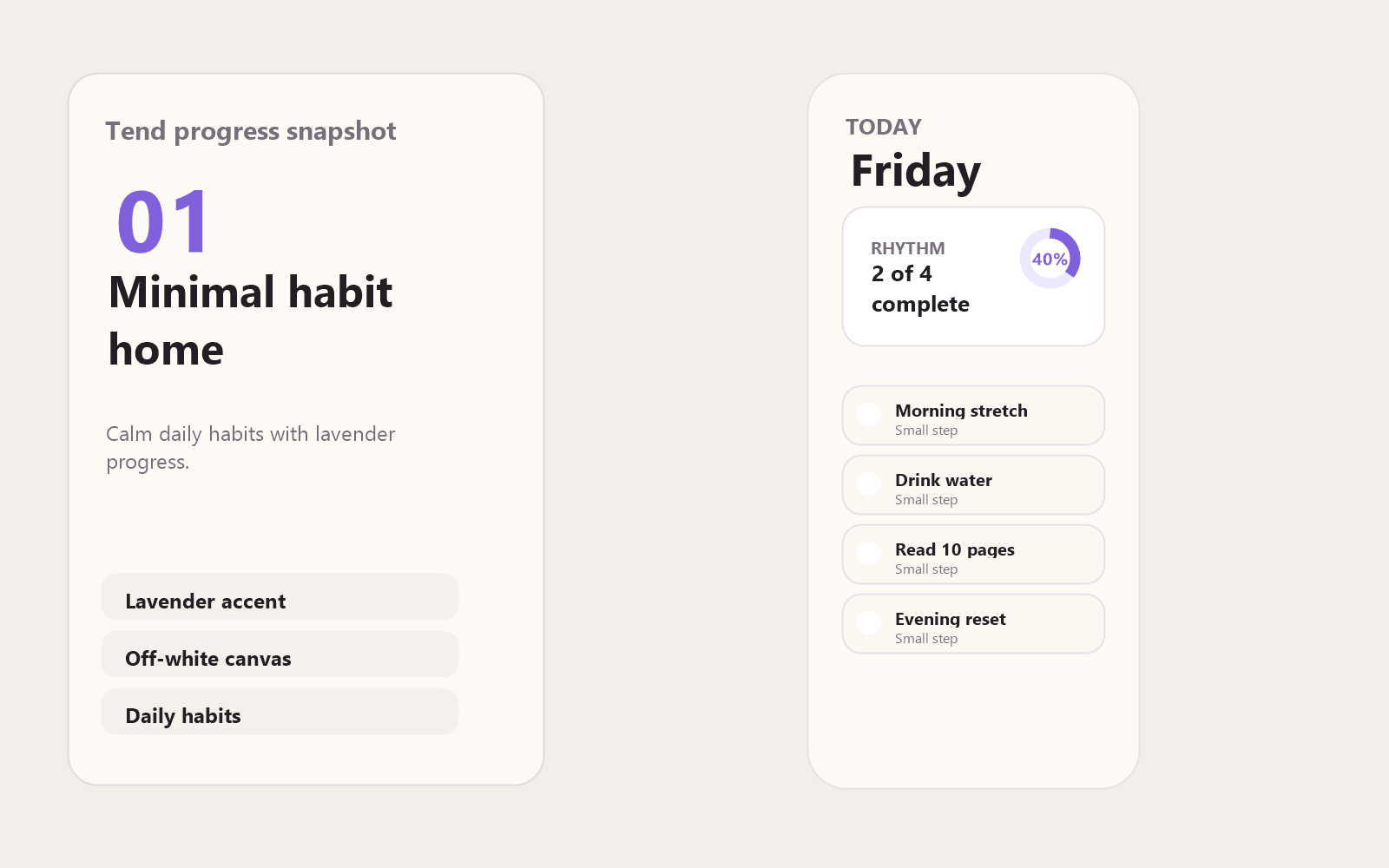
The visual direction centers on an off-white surface, lavender accent system, and a gentle leaf-on-water identity. The interface keeps the tracker quiet and tactile: weekly rhythm, progress rings, habit check-ins, journaling, calendar history, themes, and reminder settings all support the same promise of steady return.
UI/UX Design · SwiftUI Habit Tracker
Tend
Habit Tracker
Product design · Native iOS build · App Store prep

Tend is a calm iOS habit tracker for small daily rituals. The work began as a browser prototype to define the product tone and flow, then moved into a native SwiftUI build with persistence, reminders, onboarding, themes, and App Store preparation.
ProblemBuild a habit tracker that feels calm, not gamified or guilt-driven — and ship it for real.
ApproachPrototype tone and flow in the browser first, then build native in SwiftUI: persistence, reminders, onboarding, themes.
OutcomeA finished iOS product from concept to native build: it compiles in Xcode, runs in the simulator, retains data across relaunches, and ships with onboarding and local reminders — proof of end-to-end product design and delivery.
Design authorship note: The product direction, interface decisions, visual system, and final design choices are mine. Parts of the build and prototype were vibe-coded with AI as a development collaborator.
Role
Led product direction, UI/UX design, interaction decisions, visual identity, SwiftUI structure, and launch material planning.
Deliverables
Browser prototype, SwiftUI source structure, SwiftData models, app icon assets, notification copy, Pro unlock planning, and App Store drafts.
The result
A shipped-ready native iOS app, taken from browser prototype to a working SwiftUI build with persistence, reminders, onboarding, themes, and full App Store preparation — designed and coded solo, across UI, UX, visual system, and real implementation constraints.
Snapshots
Minimal Habit Home
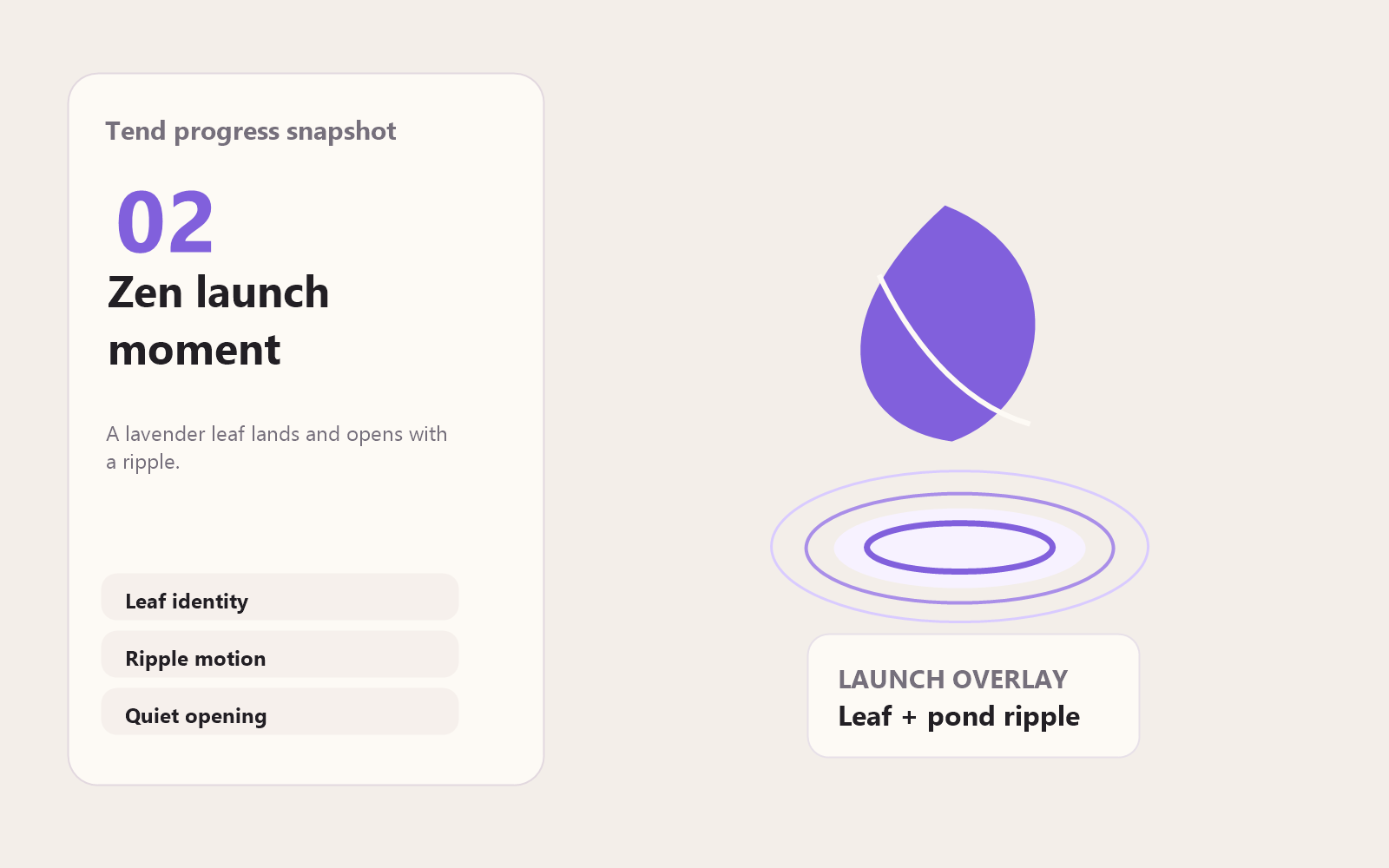
Zen Launch Animation
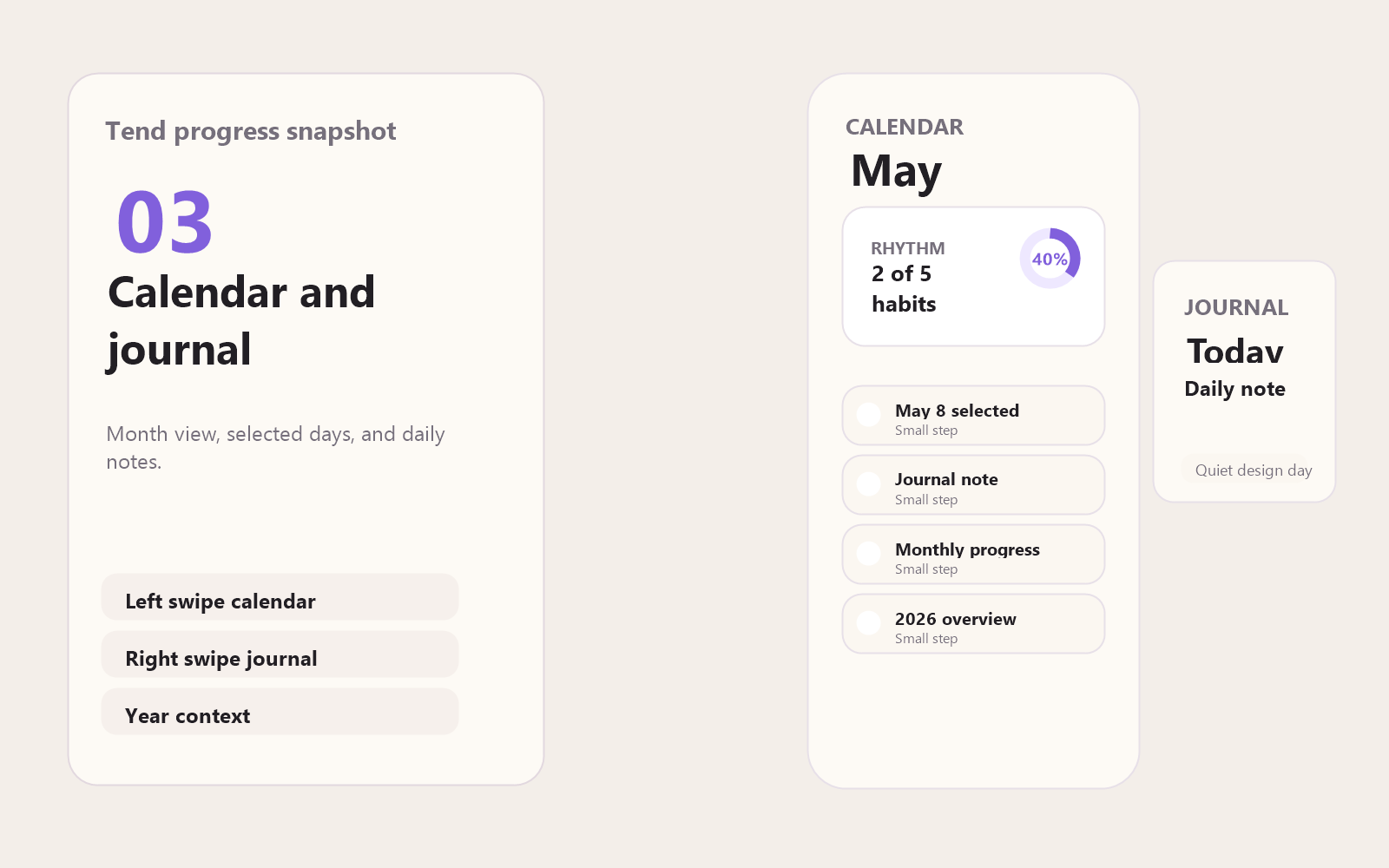
Calendar + Journal
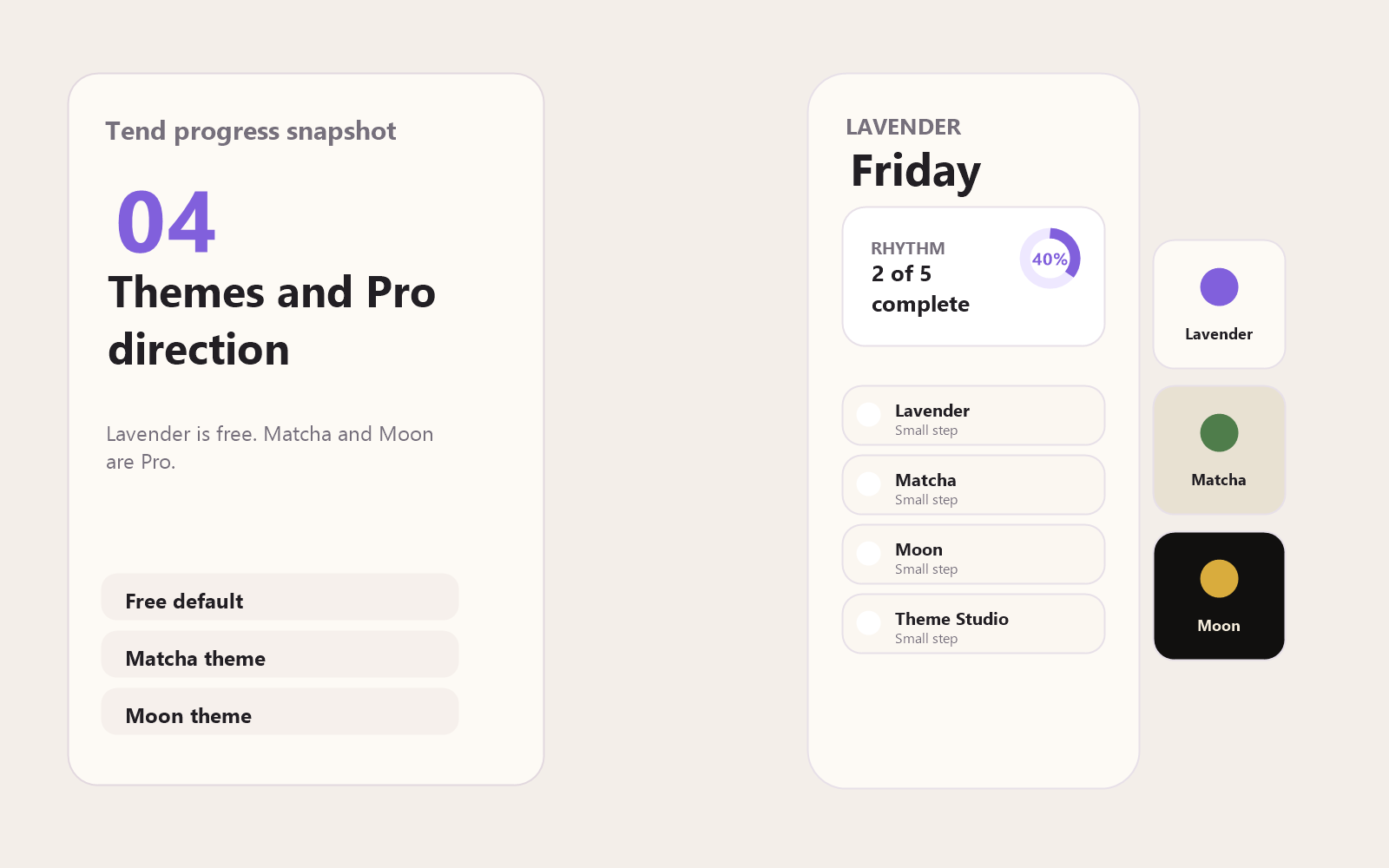
Themes + Pro
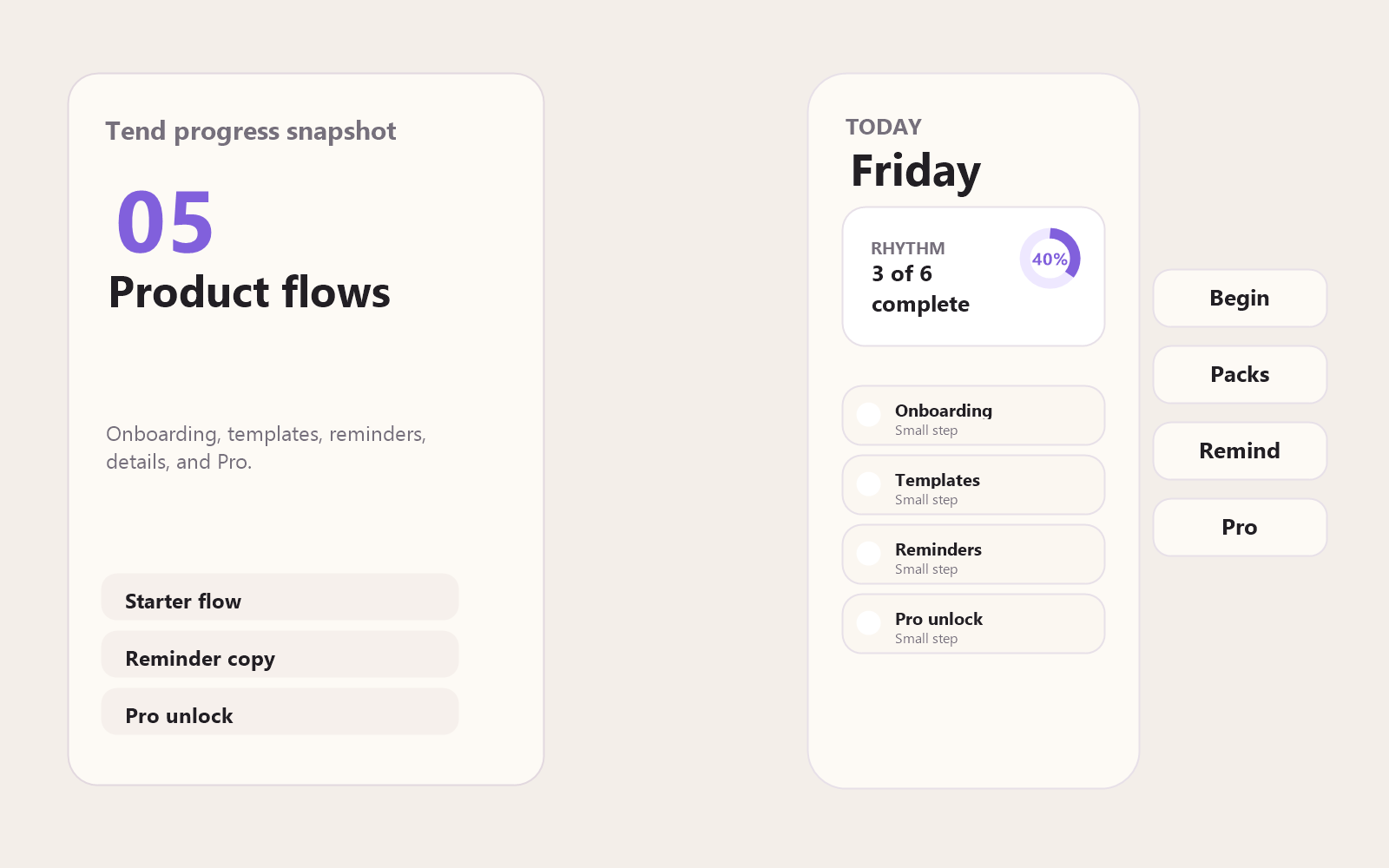
Product Flows
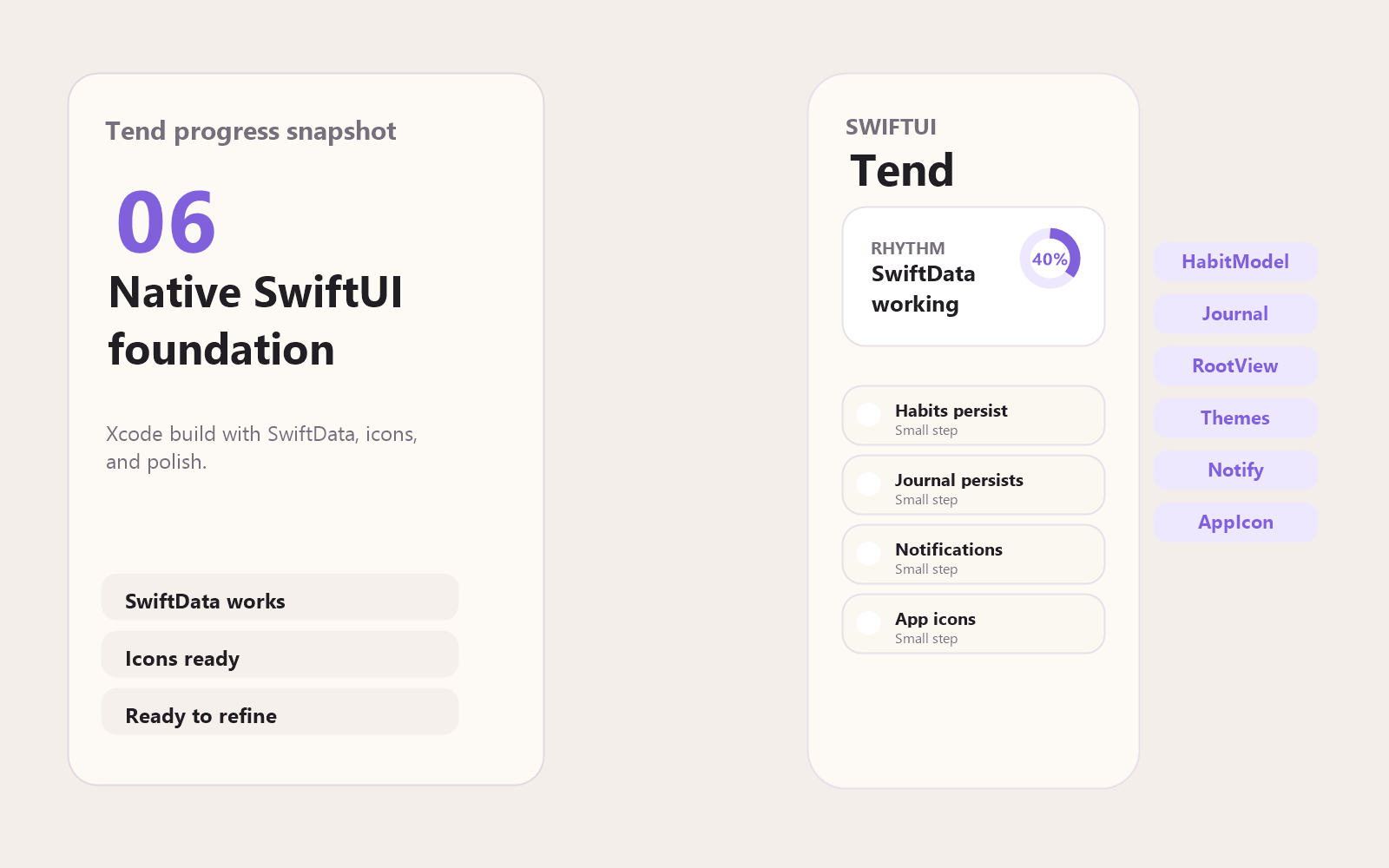
SwiftUI Foundation
Final Design
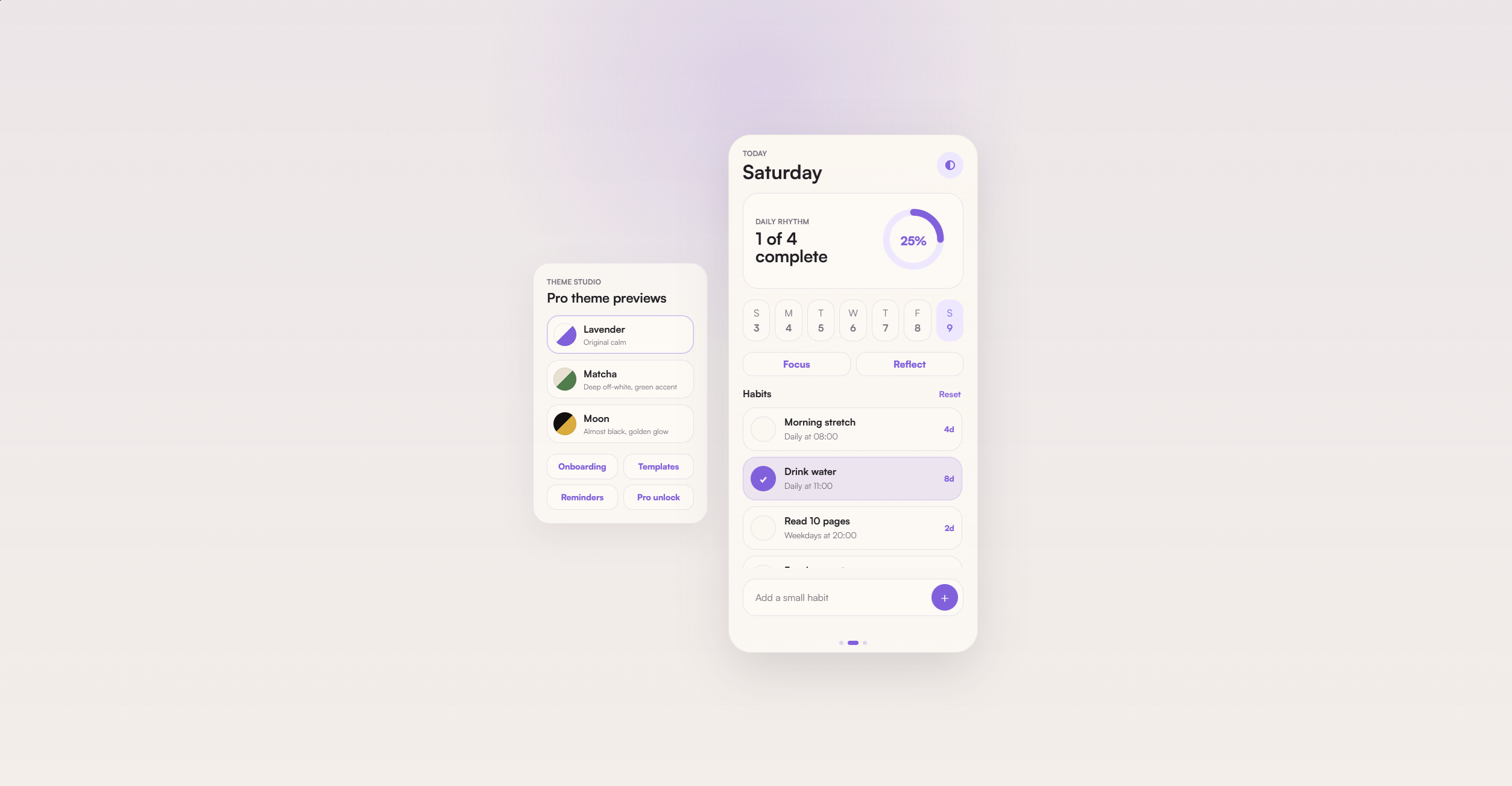
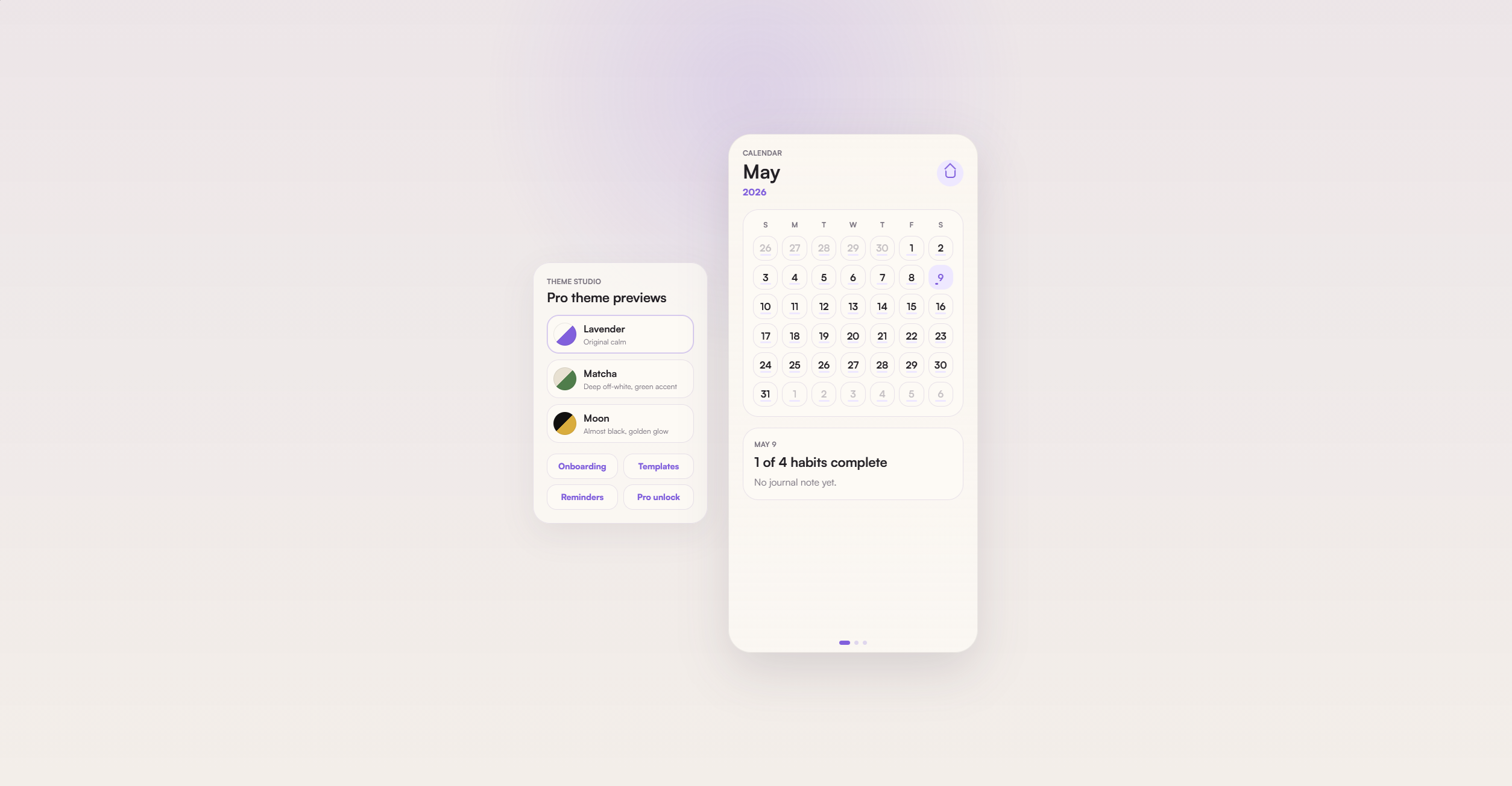
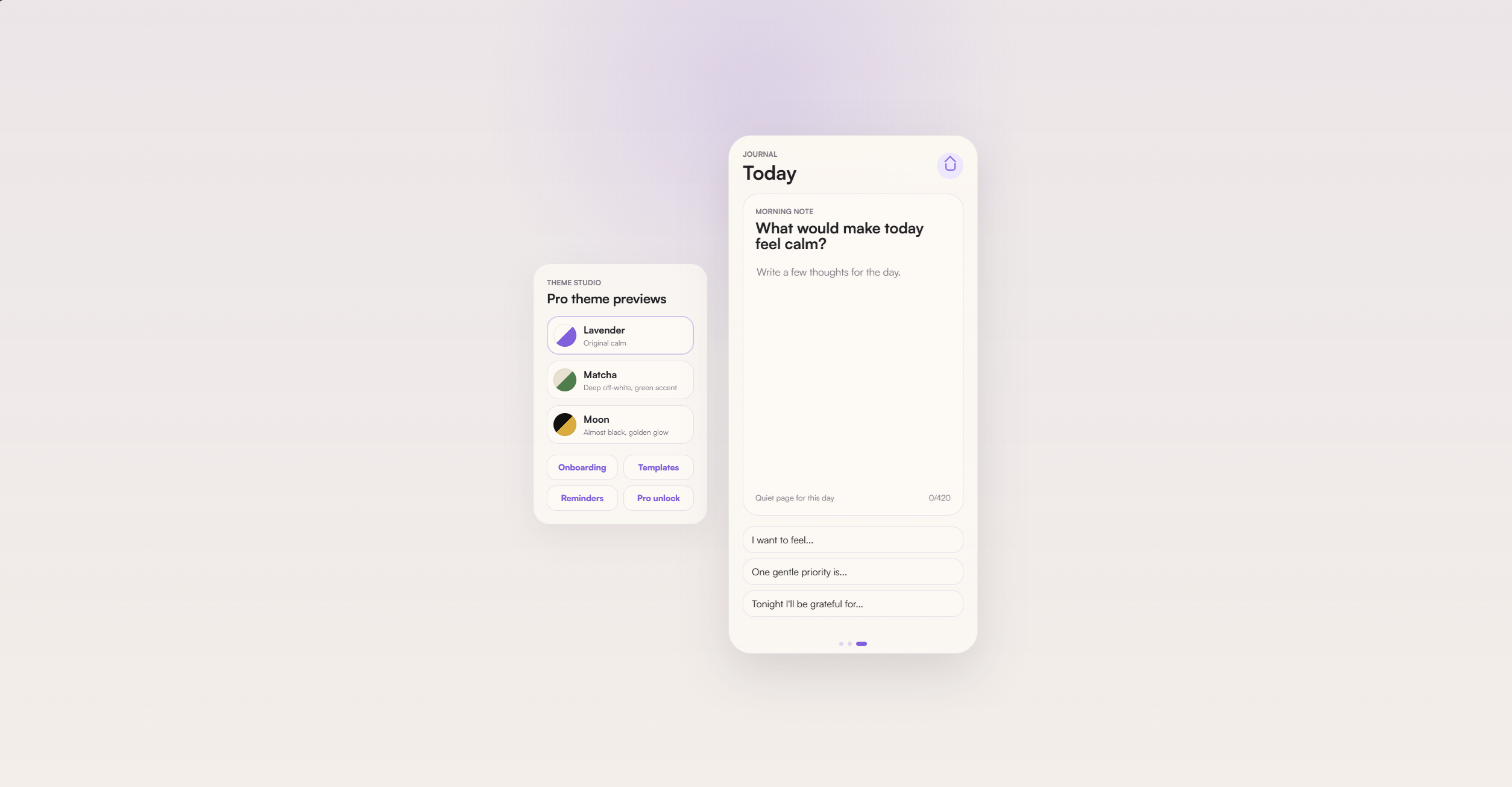
The final design settles into three primary pages: Home for the daily ritual, Calendar for date-aware progress, and Journal for quieter reflection. Together they keep Tend focused on the smallest useful loop: check in, understand the rhythm of the month, and write down what made the day feel calm.
Home Page
Calendar Page
Journal Page
Problem
Most habit apps make progress visible, but many make failure louder than recovery. Tend was shaped around a softer product question: how can a tracker preserve accountability while making missed days feel recoverable?
The answer became a calm ritual system rather than a productivity dashboard. Tend focuses on small routines, quiet reminders, simple check-ins, and reflection, with progress framed as rhythm instead of perfection.
Product Flow
Prototype
A browser build tested the dashboard, date strip, calendar, journal, themes, reminders, Pro screen, and startup ripple animation.
Translate
The experience moved into SwiftUI with Home, Calendar, Journal, and Theme Studio views built as native screens.
Persist
Habit, completion, and journal data moved from snapshot storage to SwiftData so user progress survives relaunch.
Prepare
The project added onboarding, local notifications, StoreKit product planning, icon exports, and App Store material drafts.
Core Features
Implemented
Home habit tracker, weekly date strip, progress ring, add habit flow, habit completion toggles, calendar view, journal view, per-date habit and journal state, habit templates, habit detail editing, reminder settings, first-launch onboarding, and local notification scheduling.
Pro Direction
Tend Pro is planned as a one-time unlock instead of a subscription. The unlock expands the product with unlimited habits, full history, premium themes, widgets, export, and advanced reflections.
Visual System
Colour
The base direction is gentle and minimal: off-white surfaces, lavender accents, and a leaf landing on water ripples for the app icon. Theme explorations extended the system into Matcha and Moon, while a Waves direction was tested and removed.
Type
Small wins compound.
Native Build
The SwiftUI project was organized into App, Models, Views, Components, Design, Services, Assets, and Configuration folders. Reusable pieces include ProgressRing, WeekStrip, HabitRow, TendCard, TendChip, TendPrimaryButton, LaunchRippleView, sheet components, section headers, and empty states.
SwiftData models cover habits, habit completions, and journal entries. AppState now keeps only lightweight UI preferences such as selected date, active page, theme, reminder time, Pro unlock state, onboarding completion, and reminder enablement.
Build issues were resolved along the way: old model conflicts were removed, HabitFrequency was renamed to TendHabitFrequency, iOS-only modifiers were wrapped with platform checks, Combine imports were added where needed, and newer onChange syntax was adopted. The simulator build now runs and retains data after relaunch.
UX Writing
The notification language was written to feel like a gentle invitation rather than a demand. Example lines include “A small moment for Tend,” “Pause, breathe, check in,” “A little progress counts,” and “Come back to your rhythm.”
A habit app should make returning easier than quitting.
Launch Prep
App Store materials were drafted alongside the build, including app-store copy, a privacy policy draft, an icon install guide, and StoreKit local testing notes. The current product ID for the one-time unlock is tend.pro.unlock.
The next steps are to add the final AppIcon.appiconset into Xcode, test onboarding from a clean install, verify notification scheduling on simulator or device, add local StoreKit configuration, continue polishing Calendar, Journal, and sheet views, then prepare for TestFlight.
Reflection
Tend became more than a visual concept. It moved through product definition, prototype testing, native implementation, data persistence, notification design, monetization planning, and store-readiness tasks.
The strongest lesson was that calm design is not just a palette. It shows up in the data model, the reminder copy, the recovery states, and the way the product behaves when someone misses a day. Tend is structured, but not severe; motivating, but not loud; designed to help a user keep going without making the app the centre of their day.